Windows developers run Linux too
Most developers on a Windows laptop run their code in WSL2. The toolchain lives there, and so do the calls to internal APIs. Riptides works at the socket level inside the Linux kernel, and WSL2 is Linux, so in principle this should have worked from day one. It didn’t. WSL2 boots a kernel Microsoft builds itself and publishes no headers for, and a kernel module has nothing to build against without them.
As of v0.6.9 it works. Riptides installs into a WSL2 distribution and behaves as it does on any other Linux host: SPIFFE identity, transparent mTLS, credentials injected on the wire. No application changes. One command in PowerShell (-d Ubuntu installs the current LTS, 26.04 at the time of writing):
wsl --install -d Ubuntu --no-launch
wsl -d Ubuntu -u root -- bash -c "curl -fsSL https://docs.riptides.io/install.sh | bash -s -- \
  --controlplane-url https://<your-env>.console.riptides.io \
  --join-token <token> \
  --wait-ready"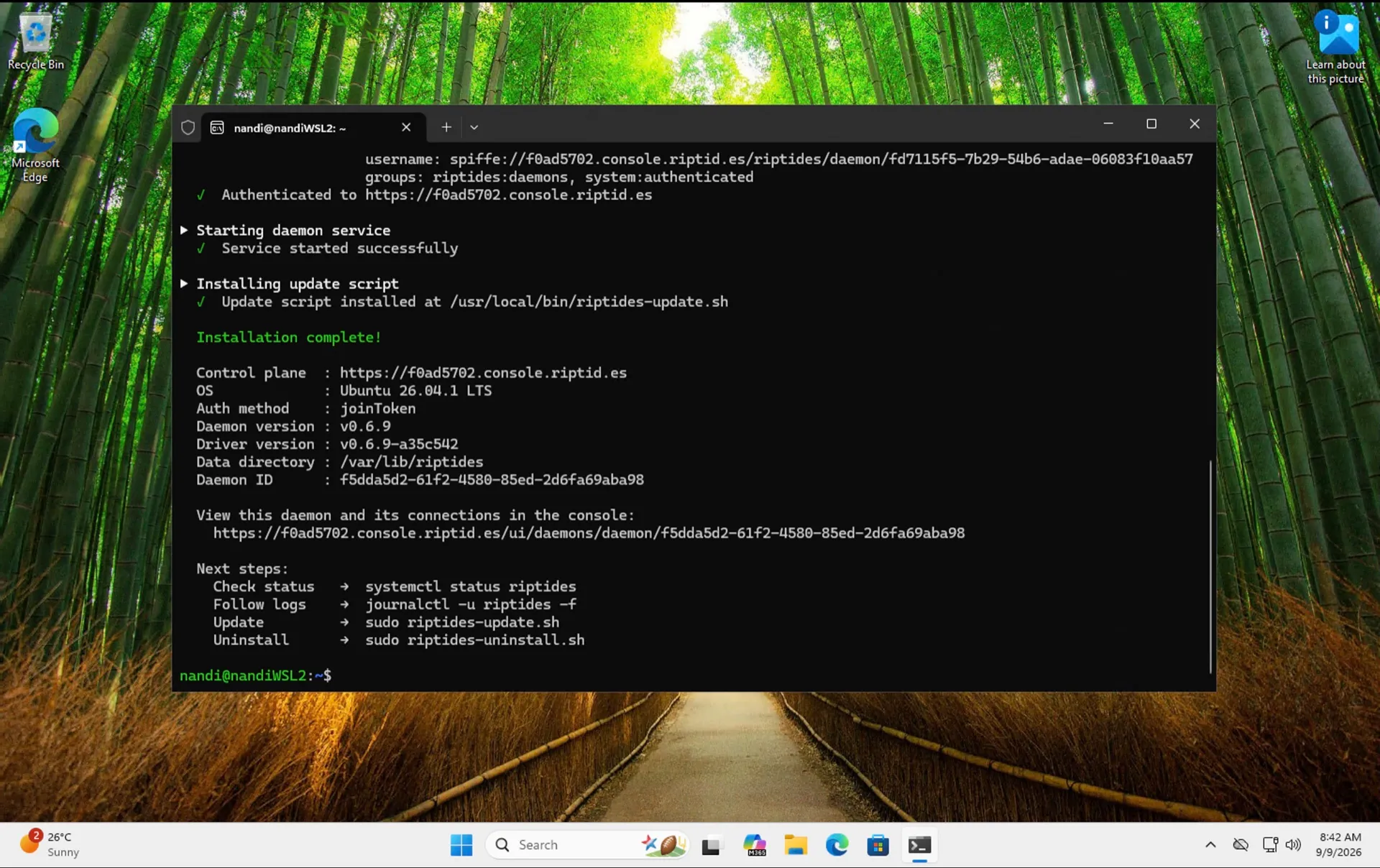
The daemon gets a SPIFFE identity, the kernel module loads against Microsoft’s WSL2 kernel, and the machine shows up in the console like any other host.
It works with VS Code Remote
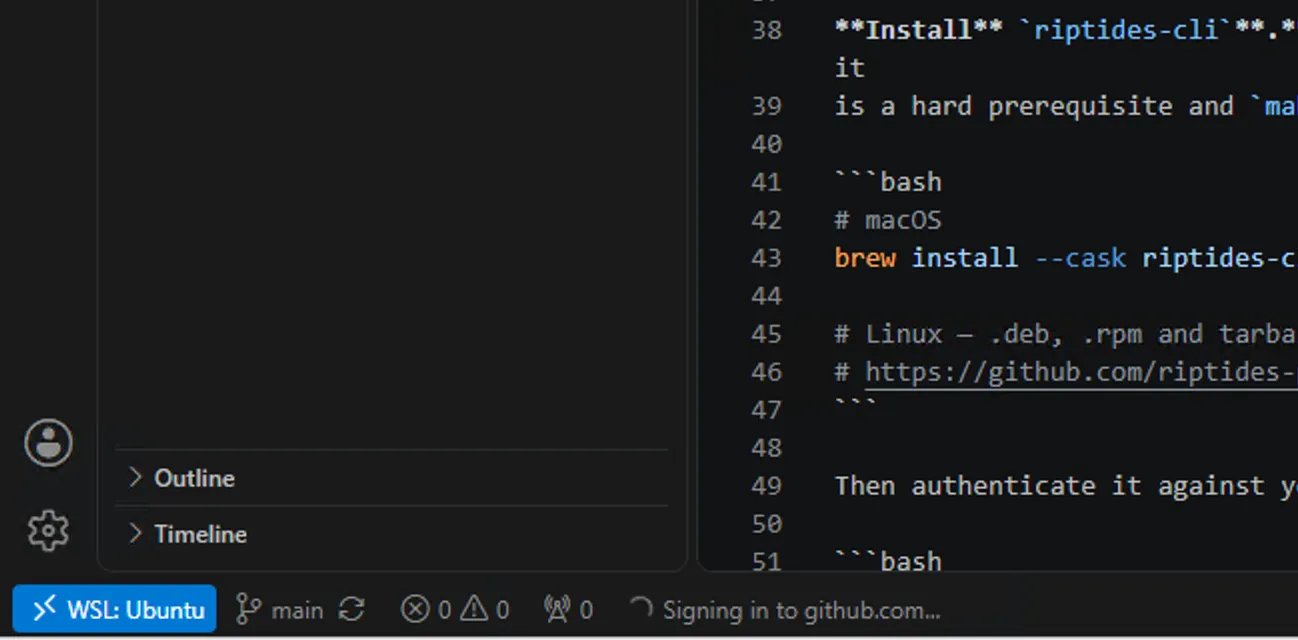
Most people never open a WSL2 shell directly. They open a folder in VS Code with the WSL extension, which runs the editor’s server inside the distribution. Everything the editor starts from there, a terminal, a test run, whatever an AI assistant kicks off, is a process in that WSL2 instance. It gets an identity and policy like anything else, and there is nothing to configure in the editor.
The console picks those up as workloads. Here the editor’s own node processes on the nandiWSL2 node, with what each one connected to and whether it was encrypted:

It’s the same pattern as running Copilot in a Lima VM on macOS. AI-generated code runs in the sandbox and can still reach internal services over mTLS, with short-lived credentials injected on the wire. No secret sits in the environment for that code to log or commit by accident.
Why WSL2 needed work
Riptides is a kernel module, so it has to match the kernel it loads into. On Ubuntu or Amazon Linux that’s routine: the distro publishes kernel headers, and we build a package per kernel version. WSL2 doesn’t fit that shape.
- The kernel is Microsoft’s, not the distribution’s. Inside Ubuntu on WSL2,
/etc/os-releasesays Ubuntu whileuname -rsays6.18.33.2-microsoft-standard-WSL2. Ask Ubuntu for headers for that kernel and you get nothing. - There’s no kernel headers package for it at all. Microsoft has never published one (a 2024 request for it was closed without one), so there’s nothing on the machine to build a module against.
wsl --updatereplaces the kernel. A module built for the previous version stops loading.
Every WSL distribution on a machine shares that one Microsoft kernel, which works in our favour: a single driver package serves Ubuntu, Debian and openSUSE alike. WSL2 actually needs fewer builds than a normal distro target, one per Microsoft kernel rather than one per distro and kernel pair. Our driver loader keys off the kernel release instead of /etc/os-release for that reason.
The headers, open sourced
To build against a kernel with no headers package you need the kernel tree. So we build it from Microsoft’s own tags, prune it down to the subset a distro kernel-devel package ships, and publish it as a container image:
FROM ghcr.io/riptideslabs/wsl2-kernel-headers:6.18.33.2-x86
COPY . /src
WORKDIR /src
RUN KVERSION="$(cat /kversion)" make
That’s riptideslabs/wsl2-kernel-headers, public and Apache-2.0, with a nightly job that tracks Microsoft’s live kernel branches for both x86 and arm64. The images include BTF, which stock WSL2 kernels require of any module they load. If you’ve ever tried to build ZFS, WireGuard or anything else out of tree on WSL2 and hit the headers wall, help yourself. None of it is specific to Riptides.
Try it
If you have a Windows machine with WSL2, the command above is all of it. In the console, the Attach Daemon dialog has a WSL2 tab that generates the whole thing with your control plane URL and a fresh join token already filled in. The deployment docs cover kernel matching, what to do after wsl --update, and the systemd check.
Windows on ARM works the same way. If you’re on a Snapdragon laptop and want to try it, get in touch, we’d like to hear how it goes on real hardware.
How exposed are your workloads?
Run the NHI Security Audit Checklist, 8 questions to map your credential exposure, attribution gaps, and lateral movement surface across your own environment. Takes about 15 minutes.
Run the ChecklistFollow us on LinkedIn and X for more updates.